
Choose a positional servo
This example uses a typical SG90-style positional servo. Its angle command controls a position within its supported travel, commonly described as 0–180 degrees. A continuous-rotation servo is different: commands control direction and speed rather than an absolute angle. Select the correct type in the Connect servo block.
Connect power and signal correctly
For an UNO R3, use pin 9 for the signal in this example. Power the servo from a suitable 5 V supply rated for its current and connect the supply ground to Arduino GND. Do not power a servo from a GPIO pin. Confirm the servo wiring and power requirements from its documentation. Remove mechanical loads while testing, and avoid forcing a horn against a physical stop.
Build the angle sequence
- In Setup, connect servo myServo on pin 9 as Positional.
- In Loop, move myServo to 0 degrees, then wait 1000 milliseconds.
- Move to 90 degrees, then wait 1000 milliseconds.
- Move to 180 degrees, then wait 1000 milliseconds.
The variable name must match between the connection and movement blocks. Use angle commands for positional servos. A spin command intended for continuous rotation does not become an angle command by changing its number.
Try the supported servo card
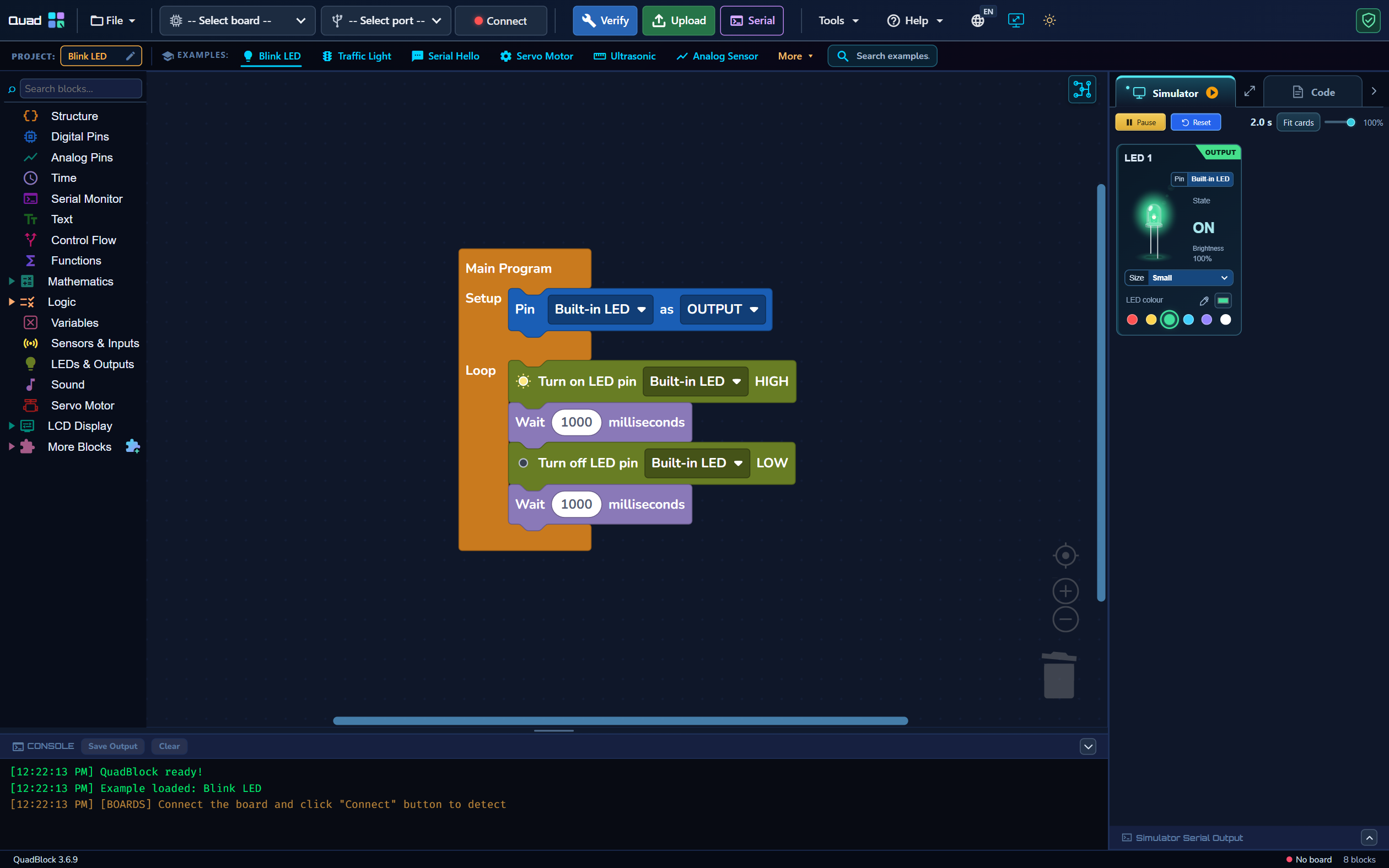
Open Simulator and watch the horn and Angle reading change. Try an intermediate angle such as 30 or 150. The virtual card helps check the command sequence. It does not model physical load, supply voltage, backlash or the exact travel of an individual servo. The workspace screenshot is illustrative; your servo program creates its own servo card.
Test real movement safely
Verify, Upload and observe the unloaded servo. If it jitters or resets the board, check power capacity and shared ground. If an endpoint causes strain, stop and use a smaller travel range. A positional servo cannot be made to perform a full continuous 360-degree rotation simply by entering 360 in an angle block.
For continuous rotation, choose Continuous rotation and use the matching spin/stop blocks. Calibrated rotation estimates are time-based without position feedback; they are not an encoder measurement. Continue with a repeatable simulator test to check program logic before hardware.
Questions before you start
Why does a positional servo not turn to 360 degrees?
A positional servo has limited physical travel and its angle command is limited accordingly. A continuous-rotation servo uses direction and speed, not an absolute 360-degree position.